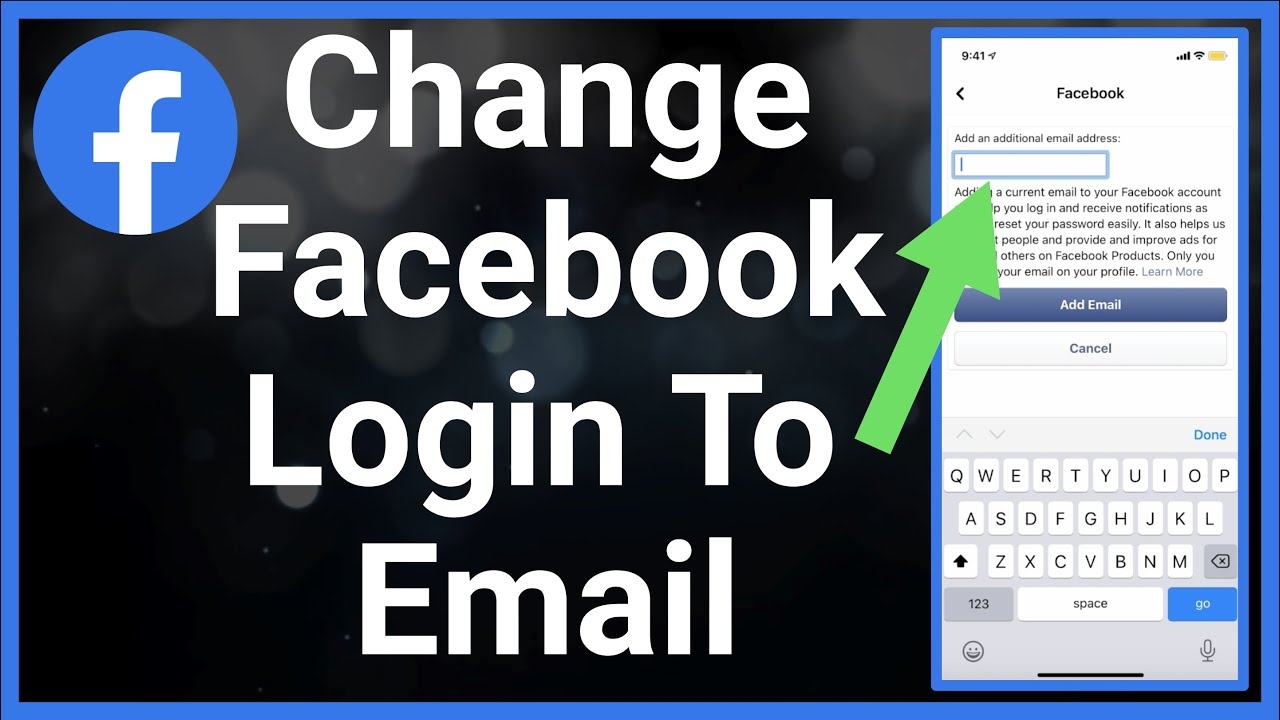
Are you looking to change your email address for logging in to Facebook? It’s a simple process that can be done in just a few easy steps. Follow along with this tutorial to learn how to update your login email on Facebook.
Having the correct email address linked to your Facebook account is essential for security and account recovery purposes. If you need to change your login email, don’t worry – we’ve got you covered with this step-by-step guide.
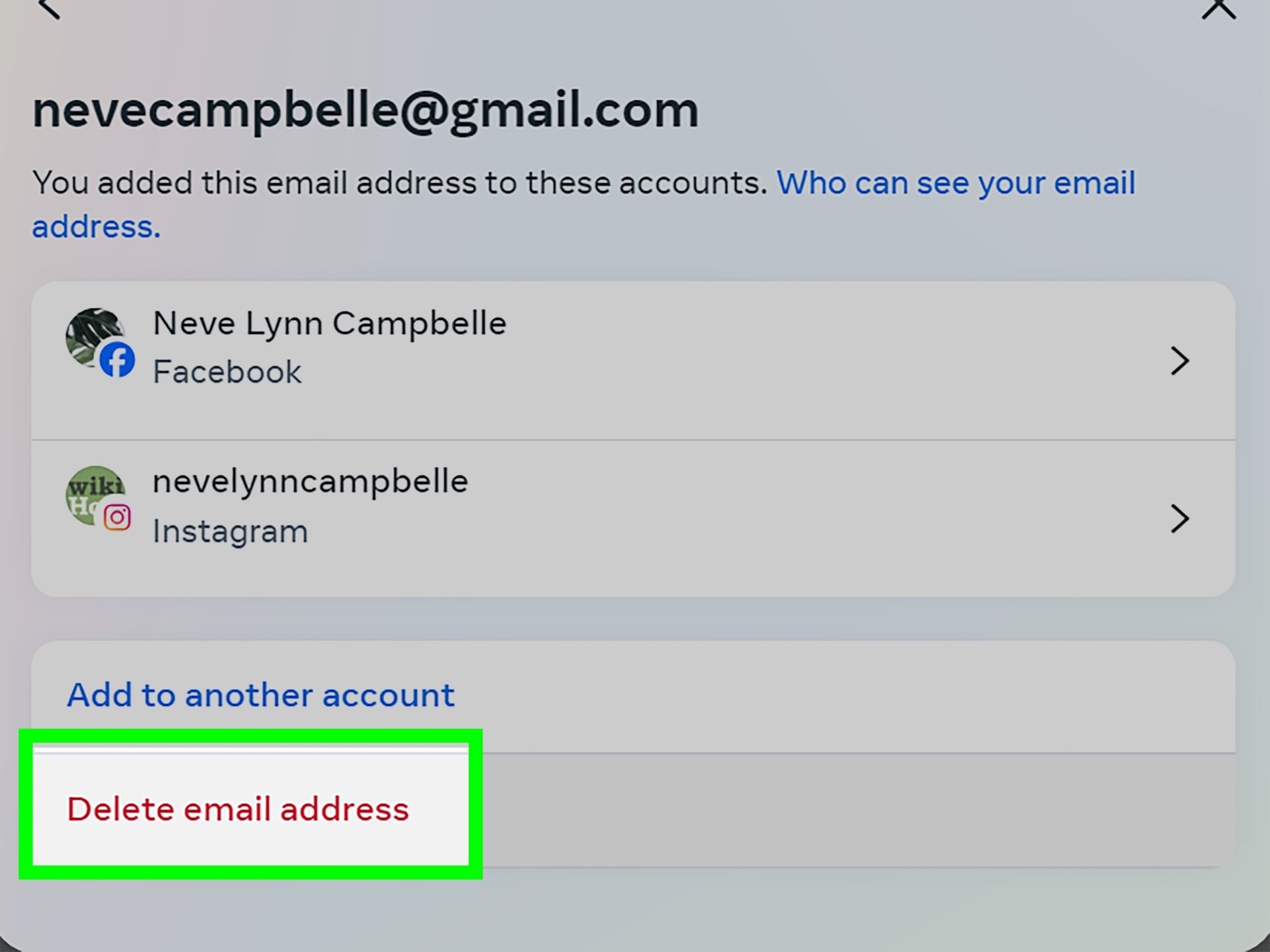
change facebook login email
Change Facebook Login Email
1. Log in to your Facebook account and go to the Settings menu.
2. Click on the “Contact” section and then select “Add another email or mobile number” option.
3. Enter your new email address and click “Add.” Facebook will send a confirmation email to the new address.
4. Open the confirmation email and click on the link provided to verify the new email.
5. Once the new email is verified, go back to the Settings menu and make the new email your primary login email.
By following these simple steps, you can easily change your login email on Facebook. For more detailed instructions, you can refer to this tutorial provided by Facebook.
Now that you have successfully updated your login email, you can enjoy using Facebook with your new email address. If you have any issues during the process, feel free to reach out to Facebook’s support for assistance.